NET OPTIMIZER
A downloadable tool
v3.5 — NET OPTIMIZER
EN (English)
New features
- 🎓 3-tab Tutorial — Quick Start / How It Works / All Buttons, with
👁 SHOWbuttons that flash a yellow ▼ pointer over the actual button in the main window - 🌐 EN/TH language toggle — one click translates UI + tooltips + tutorial (default = English)
- 💡 Tooltips on every button explaining what it does
- 💚 ♥ DONATE button opens QR popup
- ⚡ Auto-Reconnect Wi-Fi — only acts on real disconnects, never disrupts active sessions
- ↻ SWAP button — instant manual interface flip, bypasses all timers
- 🛡️ Admin warning banner with built-in "RUN AS ADMIN" button
Engine improvements (v3.0)
- Adapter roles: PRIMARY / SECONDARY / BACKUP / EXCLUDED
- Stability tracking: jitter, EMA score, disconnect rate
- VPN-aware (Tailscale/WireGuard/OpenVPN/ZeroTier)
- Composite scoring = 60% current + 40% EMA + stability penalties
Smoother UI/UX
- Custom DarkScrollbar matching the green theme (tutorial + LOG)
- No more mouse-wheel jitter
- Responsive window — sizes from 640×700 up to 820×960 based on screen
- Resize is buttery (150ms debounce + text memoization)
- LOG auto-expands when window is taller
- Tahoma font for Thai (much more readable than Consolas)
- Dark title bar on all dialogs
TH (ภาษาไทย)
ฟีเจอร์ใหม่
- 🎓 Tutorial 3 แท็บ — เริ่มต้น / แนวคิดการทำงาน / อธิบายปุ่มทั้งหมด พร้อมปุ่ม
👁 ดูที่ทำให้ลูกศร ▼ สีเหลืองกระโดดชี้ปุ่มจริงในหน้าหลัก - 🌐 สลับภาษา EN/TH ปุ่มเดียวเปลี่ยนทั้ง UI + tooltip + tutorial (default = English)
- 💡 Tooltips ทุกปุ่มมีคำอธิบายเมื่อ hover
- 💚 ปุ่มบริจาค ♥ เปิด popup QR
- ⚡ Auto-Reconnect Wi-Fi เชื่อมต่อใหม่อัตโนมัติเฉพาะตอนหลุดจริง
- ↻ ปุ่ม SWAP สลับการ์ดทันทีข้ามทุกการรอ
- 🛡️ เตือนสิทธิ์ Admin + ปุ่ม "RUN AS ADMIN" ในตัว
เครื่องยนต์ดีขึ้น (Engine v3.0)
- ระบบ Adapter Roles: PRIMARY / SECONDARY / BACKUP / EXCLUDED
- Stability tracking: jitter, EMA, disconnect rate
- VPN-aware (Tailscale/WireGuard/etc.)
- Composite score = 60% ปัจจุบัน + 40% EMA + ค่าปรับเสถียรภาพ
UI/UX ลื่นขึ้น
- DarkScrollbar เขียวเข้มทั้งใน tutorial และ LOG
- Mouse wheel ไม่กระตุก
- หน้าต่าง responsive ตามจอทุกขนาด (640×700 ถึง 820×960)
- Resize ลื่นไม่แล็ก (debounce 150ms + memoization)
- LOG ขยายอัตโนมัติเมื่อหน้าต่างใหญ่
- ฟอนต์ Tahoma สำหรับภาษาไทย (ใหญ่และอ่านง่ายกว่า Consolas)
- Title bar dialog ดำตามธีม
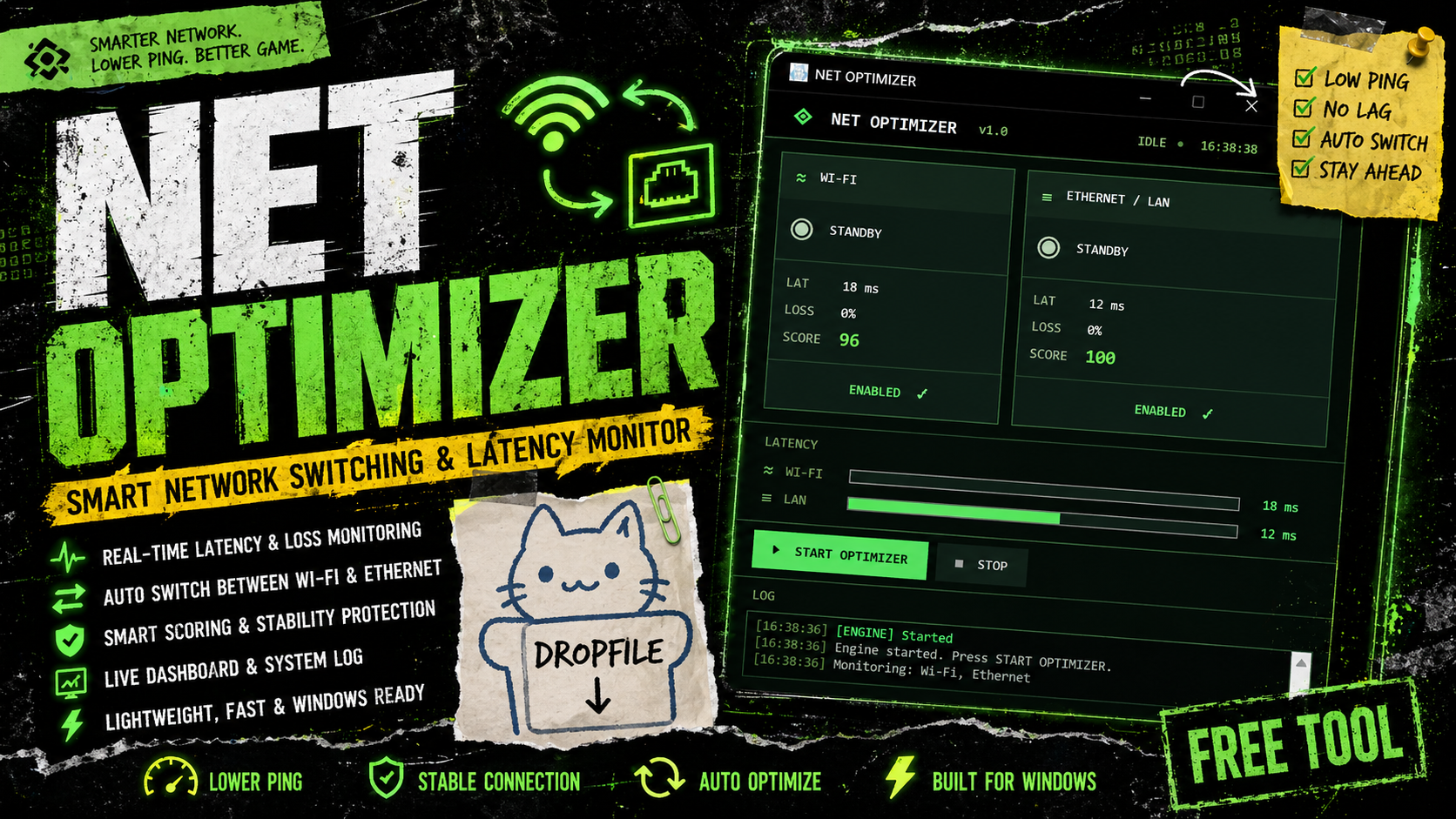
NET OPTIMIZER – Smart Network Switching & Latency Monitor
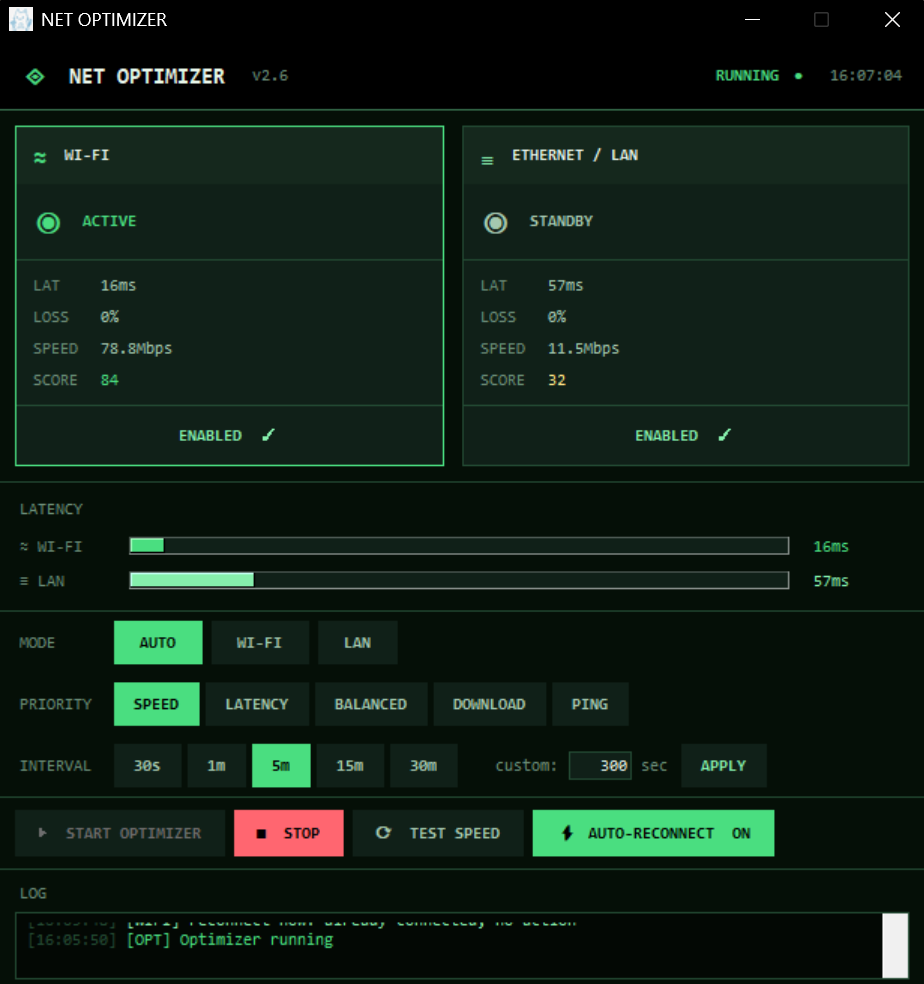
NET OPTIMIZER is a Windows utility designed to monitor and optimize internet connectivity between Wi-Fi and Ethernet in real time. It continuously analyzes network performance using latency (ping) and packet loss, then automatically selects the most stable connection for optimal performance.
The tool provides a modern dashboard interface that visualizes network health, connection scores, and live status updates.
Key Features:
- Real-time monitoring of Wi-Fi and Ethernet performance
- Automatic switching based on latency and packet loss
- Smart decision system with cooldown and stability protection
- Live UI dashboard showing latency, score, and status
- Manual toggle for network interfaces
- System log for tracking optimization decisions
- Windows integration via PowerShell network control
How It Works:
The application sends periodic ping requests to external servers and evaluates network quality based on response time and stability. It then dynamically adjusts system network priority to route traffic through the best available interface.
Notes:
- Requires Windows OS
- Some features may require Administrator privileges
- Network performance depends on local environment and ISP conditions
Download
Click download now to get access to the following files: